Live Build: Claude Co-Work for Partnerships
Expert advice from Scott Murtaugh (Founder, Growth Process Automation).
Snapshot
In partnerships, every new target starts the same way: you research, enrich, draft outreach, update your CRM, and repeat—except it never feels repeatable. The work is split across tools, tabs, and half-finished notes. By the time you’re done assembling one good outreach message, you’ve lost momentum, and the next batch gets faster (and more generic) because time runs out.
When used correctly, AI flips that by letting you turn your best partnership SOPs into reusable skills, then connect them to your actual stack with connectors. The result is an execution workflow that runs on your machine—so research and enrichment become structured steps, your outreach stays personalized, and your CRM/tasks update as the workflow progresses.
Keep reading to learn how Scott Murtaugh and Justin Zimmerman can help you build repeatable partnership outreach workflows with Claude Co-Work, so you can save time, enrich leads accurately, and ship personalized messaging at scale.
“If it’s not a repeatable SOP, it’s not a real workflow—so turn what you do every week into a capital-S skill, then let connectors handle the execution.” – Scott Murtaugh
Table of Contents
- Snapshot
- Table of Contents
- What “skills + connectors” really means in Claude Co-Work
- Where Claude Co-Work fits in the partnership workflow
- Why Claude Co-Work is different from chat
- Picking the right Claude model (Opus vs Sonnet)
- Live-style demo walkthrough: from a company list to ClickUp
- How to update and swap tools inside a skill (no coding)
- 10 partnership skills you can download and run
- Create your first skill from a chat you already like
- Tools or Tech Stack to start today
- FAQs
- Conclusion
Table of Contents
- What “skills + connectors” really means in Claude Co-Work
- Where Claude Co-Work fits in the partnership workflow
- The partnership pipeline you can automate (without code)
- Why Claude Co-Work is different from chat
- Picking the right Claude model (Opus vs Sonnet)
- Live-style demo walkthrough: from a company list to ClickUp
- How to update and swap tools inside a skill
- How to create your first skill from a chat you already like
- Tools or Tech Stack to start today
- FAQs
- Conclusion
- Social Post
What “skills + connectors” really means in Claude Co-Work
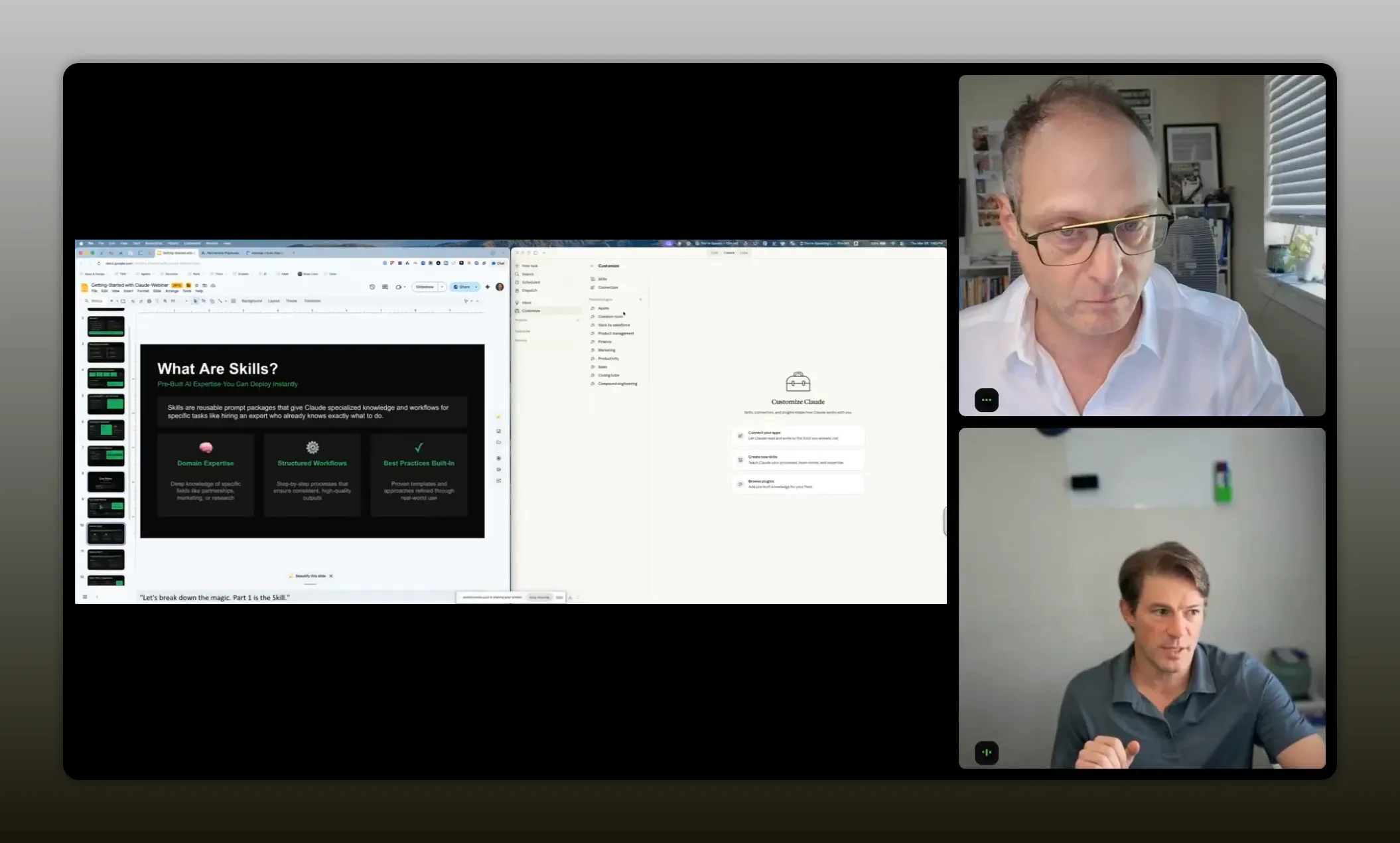
The fastest way to understand Claude Co-Work is this: you are combining two layers.
- Skills are your SOPs. They are structured, step-by-step processes written in a format Claude understands.
- Connectors are the tools. They give Claude permission to read from and write to the systems where your data lives and where your work needs to land.
In plain terms: skills tell Claude what to do. Connectors tell Claude how to do it inside your real tool stack.
“Skills are your SOPs—structured, step-by-step processes that tell Claude exactly what to do, so you can run the same repeatable work whenever you need it.” – Scott Murtaugh
Where Claude Co-Work fits in the partnership workflow
When you run partnerships, sales, or BD, the “work” is rarely one thing. It is a sequence:
- Discovery and research to identify who is a good fit (ideal partner profiles).
- Qualification to determine strategic fit and timing.
- Outreach that explains why you want to partner and personalizes the message.
- Nurture that moves prospects forward after the first touch.
Scott’s core point is that skills and connectors map directly to those steps. Without AI and connectors, that sequence often turns into hours of switching tools, copying data around, and rewriting the same sections of messages. With a skill, you follow the same SOP every time. With connectors, you pull and push data across your systems automatically.
The time compression advantage
Before AI could connect tools end-to-end, the timeline looked like this:
- Research new targets
- Write up what you found
- Assemble outreach messaging
- Wait for responses
AI and tool-enabled workflows compress that timeline. You still end up with the work output. The difference is that the process becomes faster, and it can stay consistent to your SOP while also producing personalized elements.
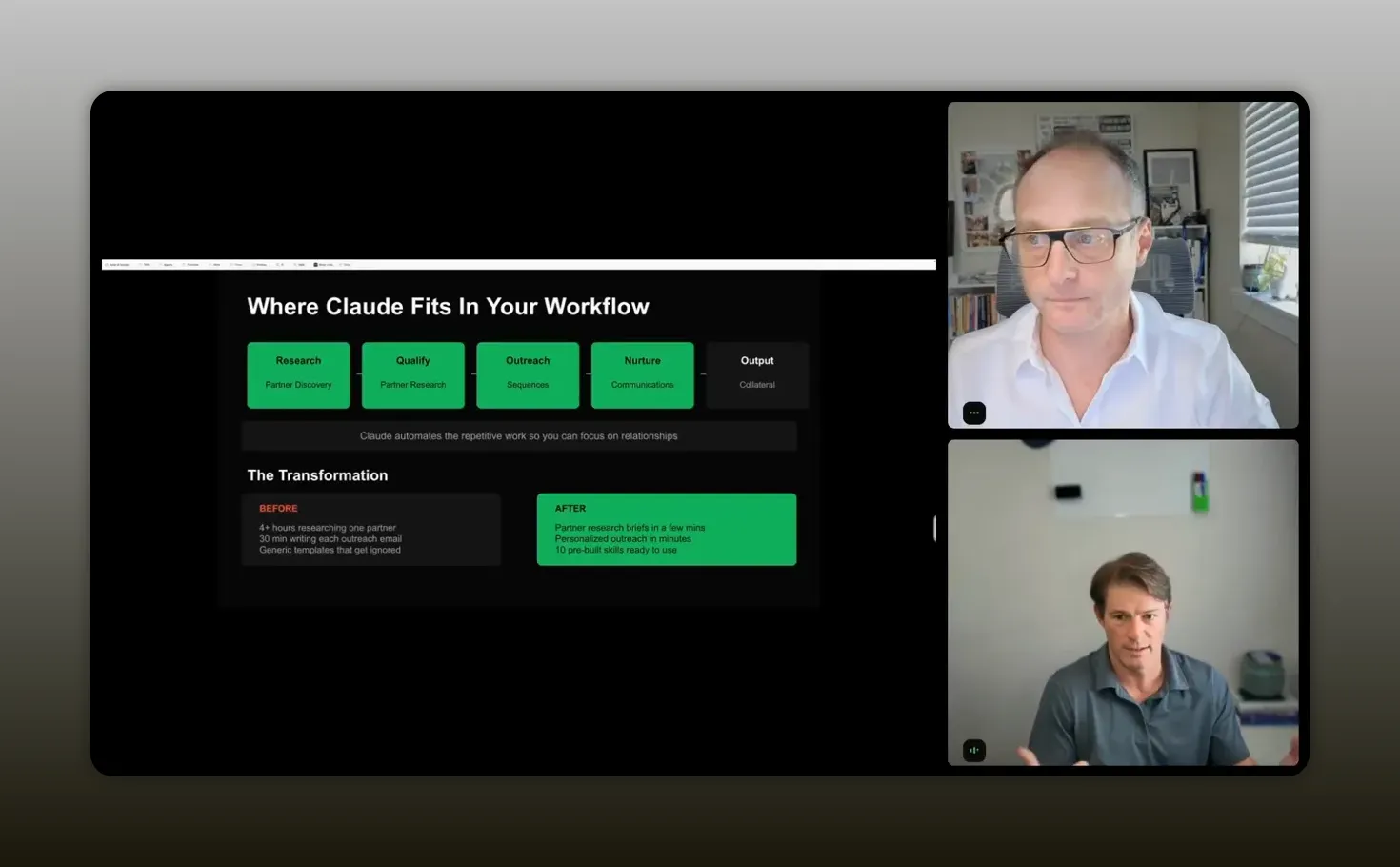
“You take your partnership SOPs, plug in your tools, and it turns research + outreach into a repeatable workflow—so your workflow is doing the work, and you stay focused on personalization.” – Scott Murtaugh
Why Claude Co-Work is different from chat
Chat tools are great for drafting. Co-Work is built for doing work inside a workflow. That is the difference between:
- Copying and pasting outputs from chat into spreadsheets
- Running an SOP that creates files, updates tasks, and generates reports as it progresses
Scott mentioned a recurring frustration: people end up doing repetitive tasks and then worry their outreach becomes generic because they cannot keep personalization up at scale. Co-Work aims to solve that by turning research and enrichment steps into an execution flow you can run repeatedly.
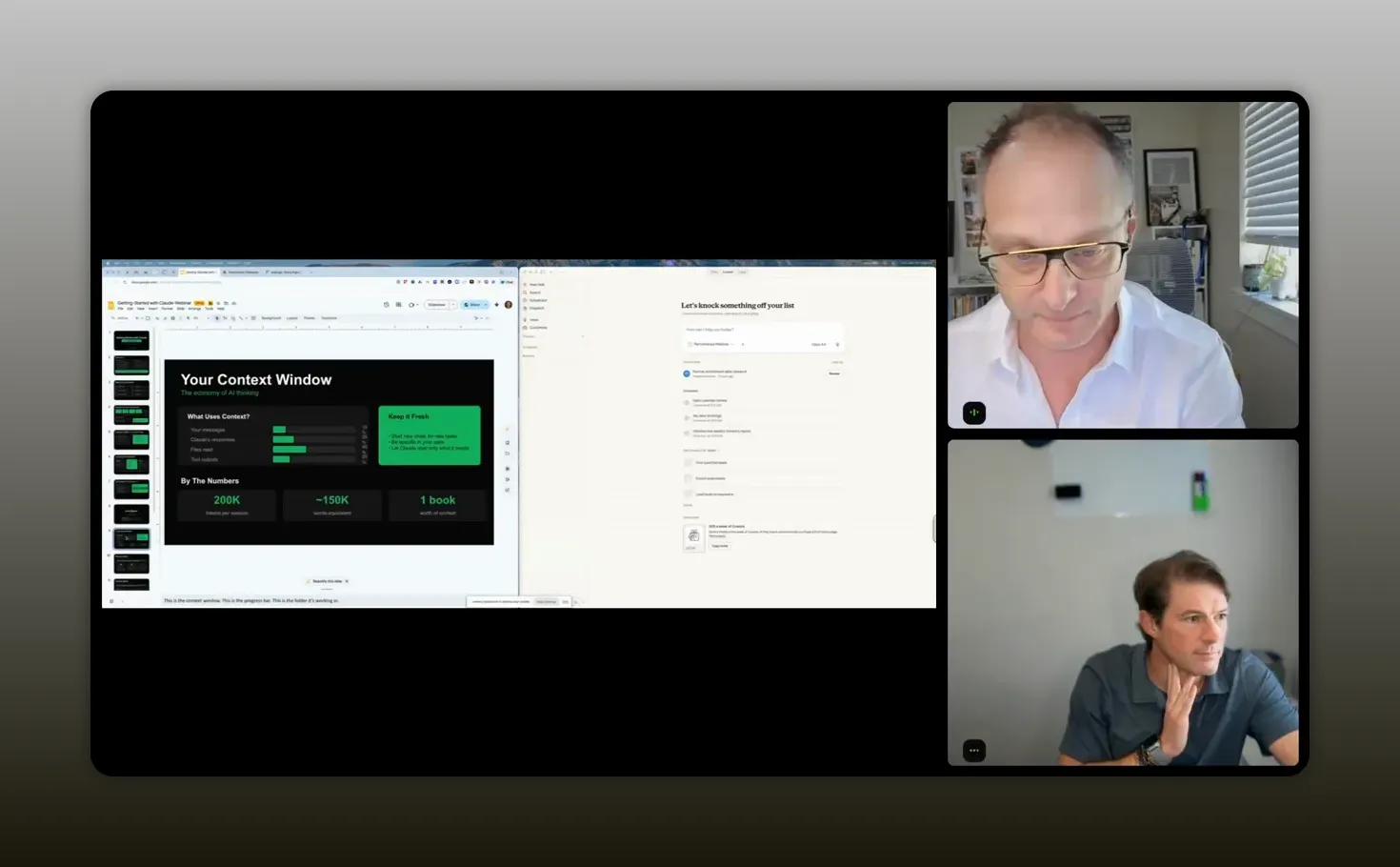
“It is building files and workflows on your computer versus it just being some chat in the cloud you copy and paste results out of.” -Scott Murtaugh
Picking the right Claude model (Opus vs Sonnet)
You do not need to obsess over model names to get value. Still, it helps to know the tradeoffs being discussed.
- Opus is positioned as higher reasoning for complex tasks.
- Sonnet has shown strong results for many real-world workflows after updates.
Another key detail Scott highlighted: both models now support large context windows (a million tokens). In workflows that need lots of information or multi-step reasoning, that larger context can reduce the “reset and start a new chat” failure mode.
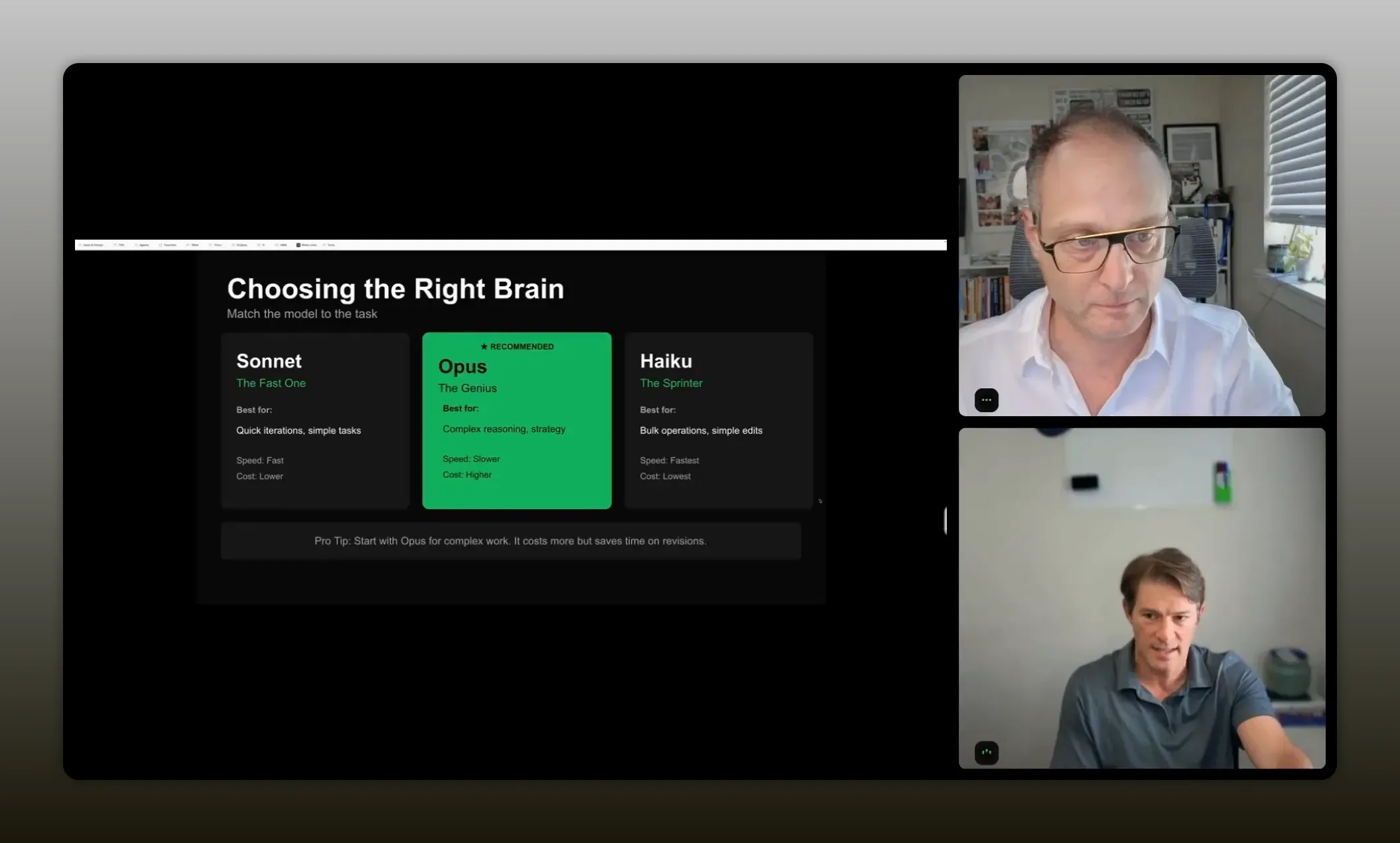
“Choosing the right ‘brain’ is really about matching the workflow—Opus for deeper reasoning when it matters, and Sonnet when you want fast, high-quality execution.” – Scott Murtaugh
Live-style demo walkthrough: from a company list to ClickUp
The demo was intentionally practical. It started with a list of companies and showed how Claude Co-Work could trigger a “partner research” skill that:
- Reads the input list
- Uses connectors to fetch or enrich data
- Creates outputs and places them into your workflow system
How a skill gets kicked off
You trigger a skill using a simple command inside Co-Work. In the demo, it involved typing a keyword (like “partner”) and selecting the appropriate skill. That skill then runs using the context provided and the connectors configured.
“In Co-Work you can literally watch the context window get used, and you get a progress sequence—steps moving in order—so you stay on task while the workflow compacts.” – Scott Murtaugh
What you should watch for while it runs
This part matters because it answers the “is this real” question. In Co-Work, you can observe:
- The context window being used, including how much of the workflow’s instructions and retrieved information is getting carried forward.
- A progress sequence (steps and status) so you can see what it is doing.
- Tool calls happening behind the scenes (example: a connector used to enrich people data).
The demo emphasized a specific improvement: compaction and “staying on task.” In other systems, you might hit context limits and lose the flow. Here, the workflow is designed to keep going even as information grows.
Outputs you can actually use
The most valuable part is not the research itself. It is what the research becomes.
In the demo, Claude created tangible work products:
- Enriched contact information (like email addresses and LinkedIn links)
- A partner research report
- A document page created in ClickUp
- A structured set of next steps and messaging templates
If you have ever tried to do this manually for even 50 leads, you know how quickly the effort turns into a spreadsheet treadmill.
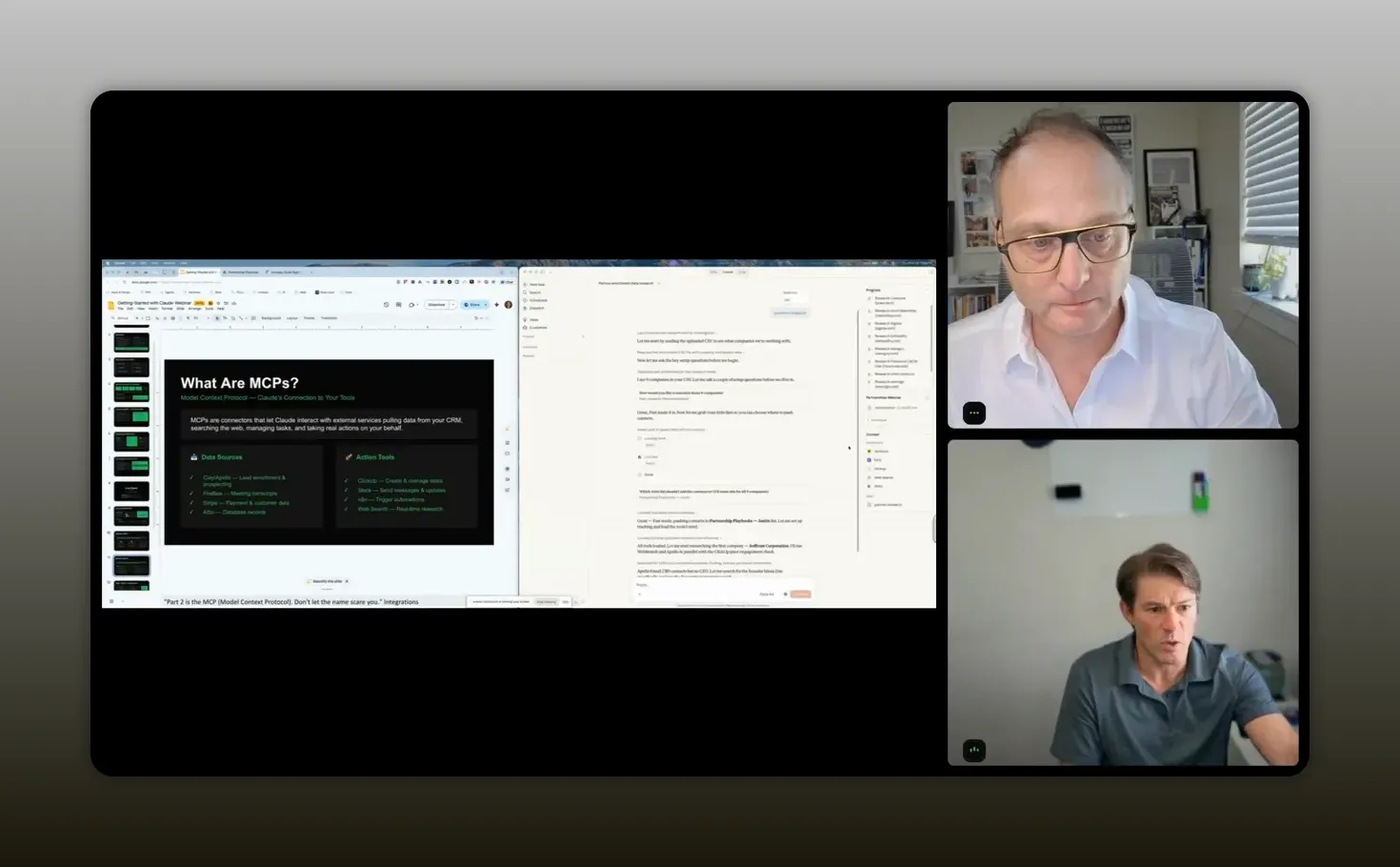
“Instead of having to mess around with spreadsheets, you can get the work output created for you as the workflow runs.” -Scott Murtaugh
How to update and swap tools inside a skill (no coding)
One of the biggest fears people have is lock-in. “What if I do not use the exact tool your skill is built around?” In the demo, the answer was reassuring: you can update skills without writing code.
The example involved swapping a connector. The partner research skill used one tool (like a contact enrichment source) in the demo, but you could replace that with your system (for example, a HubSpot connector) by updating the skill instructions so the workflow pushes to the tool you use.
The key idea is simple: skills are not written in stone. If you want to change where data gets written, you tell Claude what to change, and it rewrites the skill accordingly so you can copy it back into your workflow.
Why this flexibility matters
Your business processes evolve. Your CRM changes. Your enrichment source changes. If workflows are brittle, automation becomes fragile. Skills are designed to be maintainable because they behave like SOP templates that can be revised as your tool stack changes.
10 partnership skills you can download and run
Scott’s approach included a downloadable skills pack, packaged around the partnership workflow. The pack was described as including skills for:
- Research
- Outreach
- Partner voice positioning
- Content
- And related supporting steps across the full pipeline
The “how do I start right now?” guidance was also practical: download Claude Co-Work, then add connectors, then test a partner skill. If you are new, the quickest learning path is to run the provided skills first, then customize the pieces that feel off.
Create your first skill from a chat you already like
Many people jump directly into building workflows. That is a mistake if you do not yet know what you repeat. Scott’s advice is to start with your real habit.
If you do something the same way every week (or every time you run a process), you can turn that into a skill:
- Run the process once in chat.
- Collect the steps and outputs you like.
- Ask Claude to convert it into a repeatable skill because you do it frequently.
- Then later, queue it up and execute it whenever you need it.
Scott drew an important distinction: there are “lowercase s” skills and “capital S” skills. Capital S skills are SOP-like instruction sets that can be referenced and executed as workflows. The practical takeaway is that you cannot skip SOP definition if you want reliable automation. Until you codify a baseline, you are still improvising.
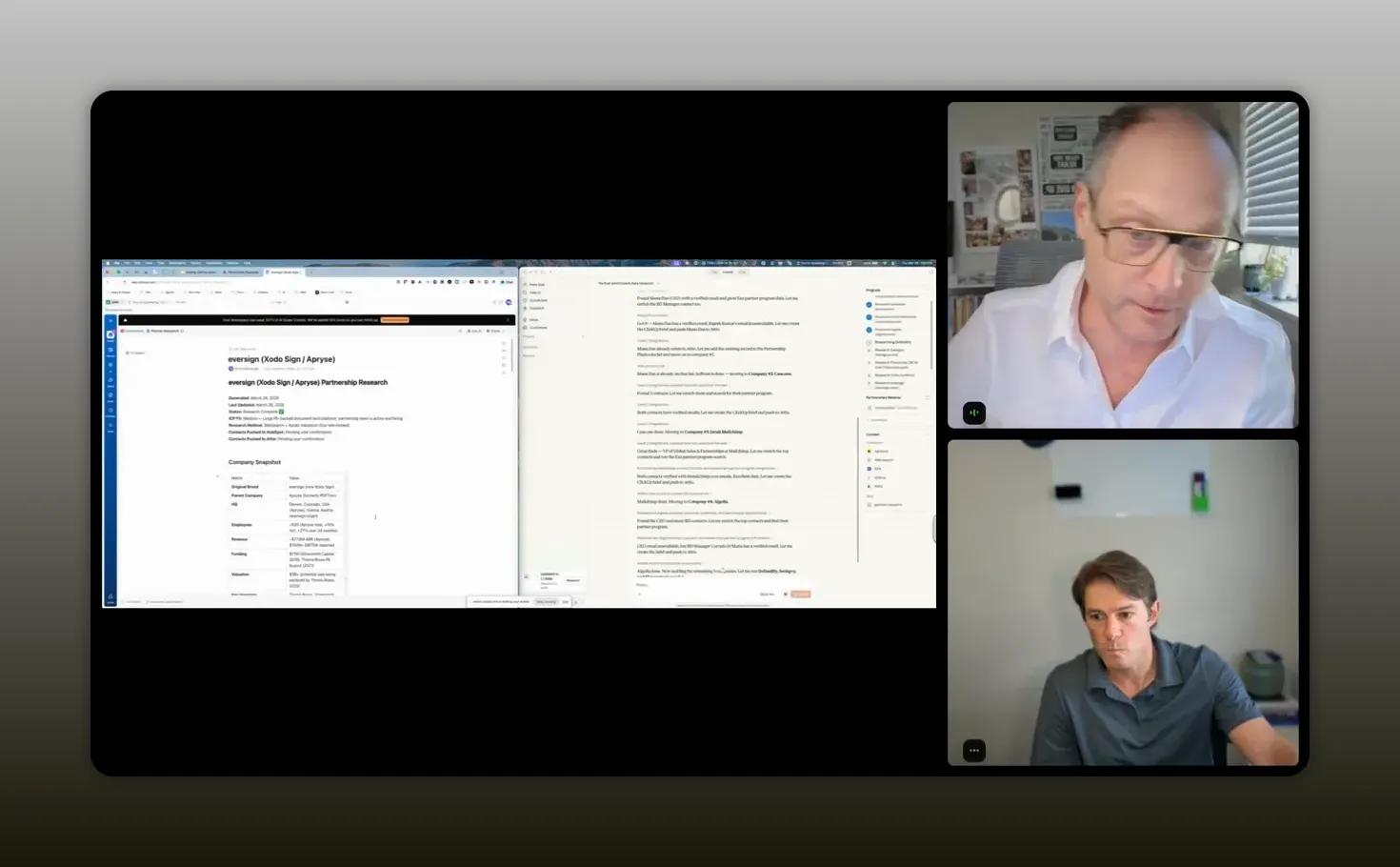
“Until you have your SOP in place and a baseline codified as a skill, you cannot move to the next level.” -Scott Murtaugh
Tools or Tech Stack to start today
Here is the mental model and the typical tool categories that show up in these partnership workflows.
Your building blocks
- Claude Co-Work (desktop) for skills execution and workflow UI.
- Connectors to your enrichment sources and collaboration tools.
- A target system to store outputs (example: ClickUp, Slack, a CRM).
- Enrichment and data sources like Apollo and Clay (depending on your setup)
- Project management destinations like ClickUp
- CRM destinations like HubSpot
The important thing: you do not need to use every tool shown. You need connectors that match how your business already works. Skills are adaptable so you can swap tools by updating the skill instructions.
FAQs
What are “skills” in Claude Co-Work, in plain English?
Skills are SOPs written as structured workflows. They tell Claude what steps to run (for example: research, enrichment, qualify, draft outreach, and create outputs). Think of them as repeatable playbooks you can execute whenever you need them.
What are “connectors,” and why do I need them?
Connectors are the integrations that allow Claude to interact with your tools. Skills explain the workflow, and connectors provide access to systems like enrichment sources, CRMs, and task platforms so Claude can fetch data and write outputs where you already work.
Do I need to know coding to set this up?
No. The approach described focused on running downloadable skills and configuring connectors. You can also update skills to swap tools without coding by asking Claude to rewrite the workflow instructions.
How does this help with generic outreach?
Generic outreach happens when personalization is too expensive in time. A workflow can research and enrich contacts, then generate outreach drafts and messaging templates that incorporate specific context for each lead. The result is more personalization without the manual grind.
Is this only for partnerships, or can it work for sales and BD?
It applies to many roles that follow the same pipeline logic: discovery, qualification, messaging, and follow-up. The demo framed the same components as useful for sales and other business development motions too.
Why use Co-Work instead of just chat and copy-paste?
Co-Work focuses on executing workflows, tracking progress, and producing outputs directly into your systems (like creating ClickUp items or reports). Chat is powerful for drafting, but Co-Work is built for end-to-end execution.
Which Claude model should I use: Opus or Sonnet?
Opus was framed as higher reasoning for complex tasks, while Sonnet has shown strong practical performance after updates. Since both support large context windows, your choice often comes down to which workflow you run and the balance you want between reasoning depth and speed.
Conclusion
If your partnership process feels like you are always starting from scratch, you do not need a better prompt. You need a better workflow. Claude Co-Work skills give you the structure of an SOP, and connectors give you the ability to execute inside your existing systems. Once you treat your repeatable steps as “capital S skills,” you can run them again and again, swapping tools as your stack changes, and producing personalized outreach outputs without the spreadsheet treadmill.