AI for Partner Events & Tradeshows
Expert advice from Anna Parfenova (Event Marketing and Operations, Maestra).
Snapshot
You want to keep shipping event pipeline, but the work keeps expanding. You have to research conferences, identify speakers, convert messy attendee lists into usable data, enrich leads, segment audiences, build outreach sequences, launch landing pages, and then analyze results. Even if your strategy is strong, your execution becomes slow, inconsistent, and dependent on whoever has time that week.
If you qualify leads too late, the hottest prospects already booked other calls. If your landing pages and emails take days to assemble, your campaigns miss their window. If your analytics takes hours, you stop iterating at the moment you most need to learn.
In this session, Anna shares how she built execution-first Claude Code workflows to make that end-to-end event process dramatically faster—so she can prepare events, qualify leads, and launch outreach without being stuck in slow manual steps. Keep reading to learn how Anna can help you achieve faster event preparation, cleaner lead qualification, and more consistent outreach.
“I made my work faster three times approximately.” -Anna Parfenova
Table of Contents
- Snapshot
- Table of contents
- Why “AI chat” is the wrong mental model for event marketing
- The system: treat AI like a junior teammate
- Workflow 1: event preparation in minutes
- Workflow 2: speaker and prospect discovery without copy-paste pain
- Workflow 3: lead qualification from PDFs to ICP-ready segments
- Workflow 4: campaigns and sequences that launch automatically
- Workflow 5: design, promotion, and analytics without waiting on agencies
- Recommended tech stack
- FAQs
- Conclusion
Why “AI chat” is the wrong mental model for event marketing
Anna emphasizes a distinction that matters: Claude Code is not a chatbot. It is closer to a “worker” you train.
Here is the practical reason that matters for event marketing: your job is producing artifacts and executing steps across tools. You need files created, meetings scheduled, spreadsheets generated, leads enriched, and campaigns launched. A chatbot is great for brainstorming. A worker is great for execution.
As Anna puts it, if you hired someone who knows nothing about your company, you would not ask them one question and hope for the best. You would teach them context and then give them tasks that they can complete.
Give context about your company and goals.
- Connect it to tools it can use (Gmail, Sheets, calendar, HubSpot, and more).
- Let it do the actual work: create files, move data, draft emails, and trigger workflows.
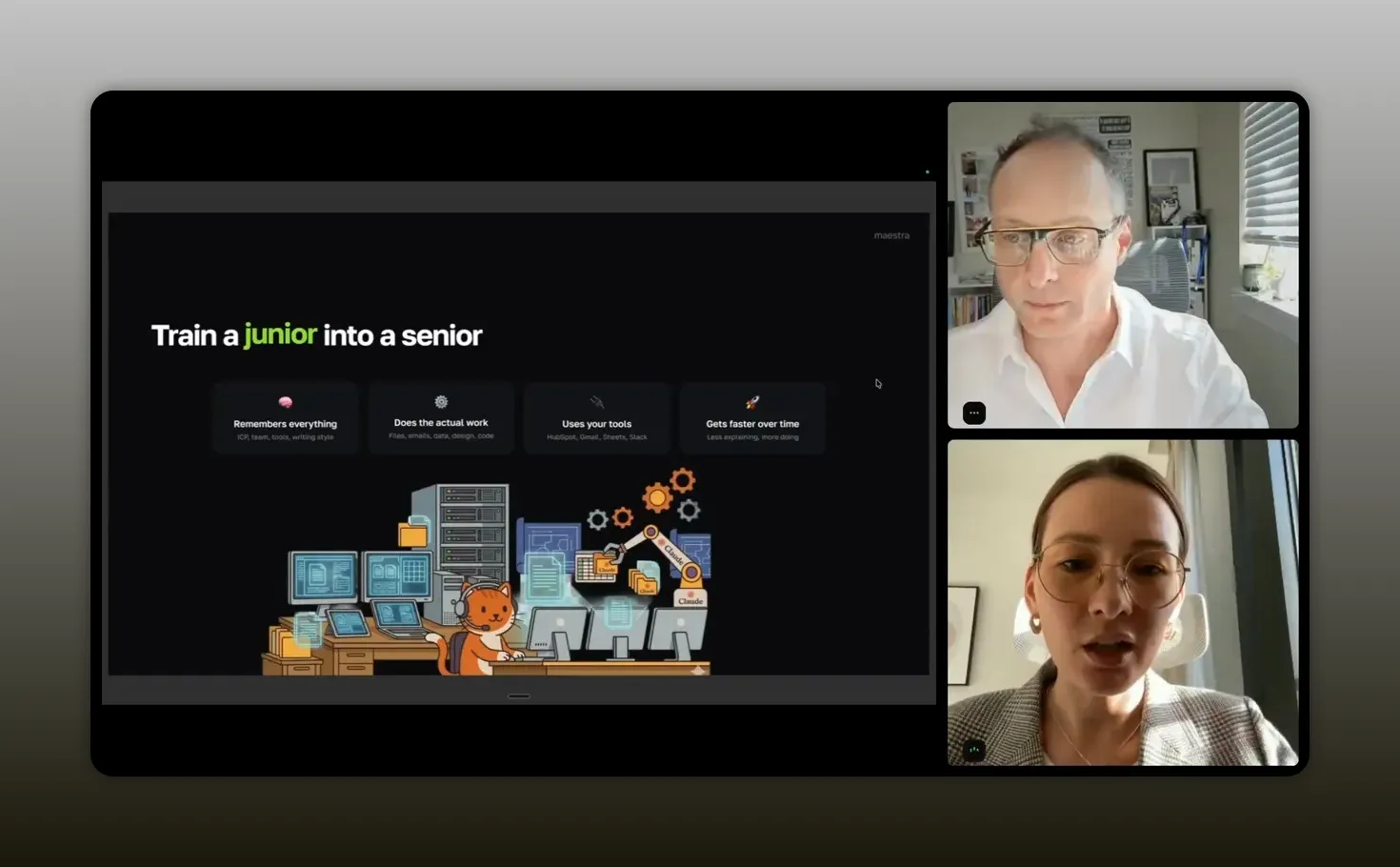
“Training a junior is exactly what you’re doing here—give it clear context, then let it repeat the workflow until it’s reliable.” -Anna Parfenova
The system: treat AI like a junior teammate
Anna describes her ideal setup like this: she keeps Claude Code open as her main working app during the day. The rest of the system follows because Claude Code is connected to her tools.
She also makes an important point: you do not set this up once and forget it. You teach, refine, and upgrade connections over time. That is how you turn “AI” into something that feels like a reliable teammate.
Her goal is ambitious but practical: build a “real machine” by improving connections (MCPs), learning new capabilities, and adding repeatable steps that become skills.
What “context” means in practice
If you want this approach to work for you, you need to decide what the worker should know by default. For event marketing, that usually includes:
- Your ICP and qualification rules (who you meet, who you skip)
- Your event goals (meetings booked, pipeline created, specific segments)
- Your brand voice and templates for outreach and emails
- Your operational workflow (how you prep, qualify, and launch)
- Where your data lives and how you want files named and stored
What “connections” mean in practice
Anna repeatedly points to integration as the speed multiplier. When Claude Code is connected to tools via APIs or MCPs, it can:
- Create spreadsheet outputs automatically
- Add conference summaries to calendar events
- Pull or push files between folders
- Draft outreach assets and launch campaigns
- Build analytics dashboards or summaries
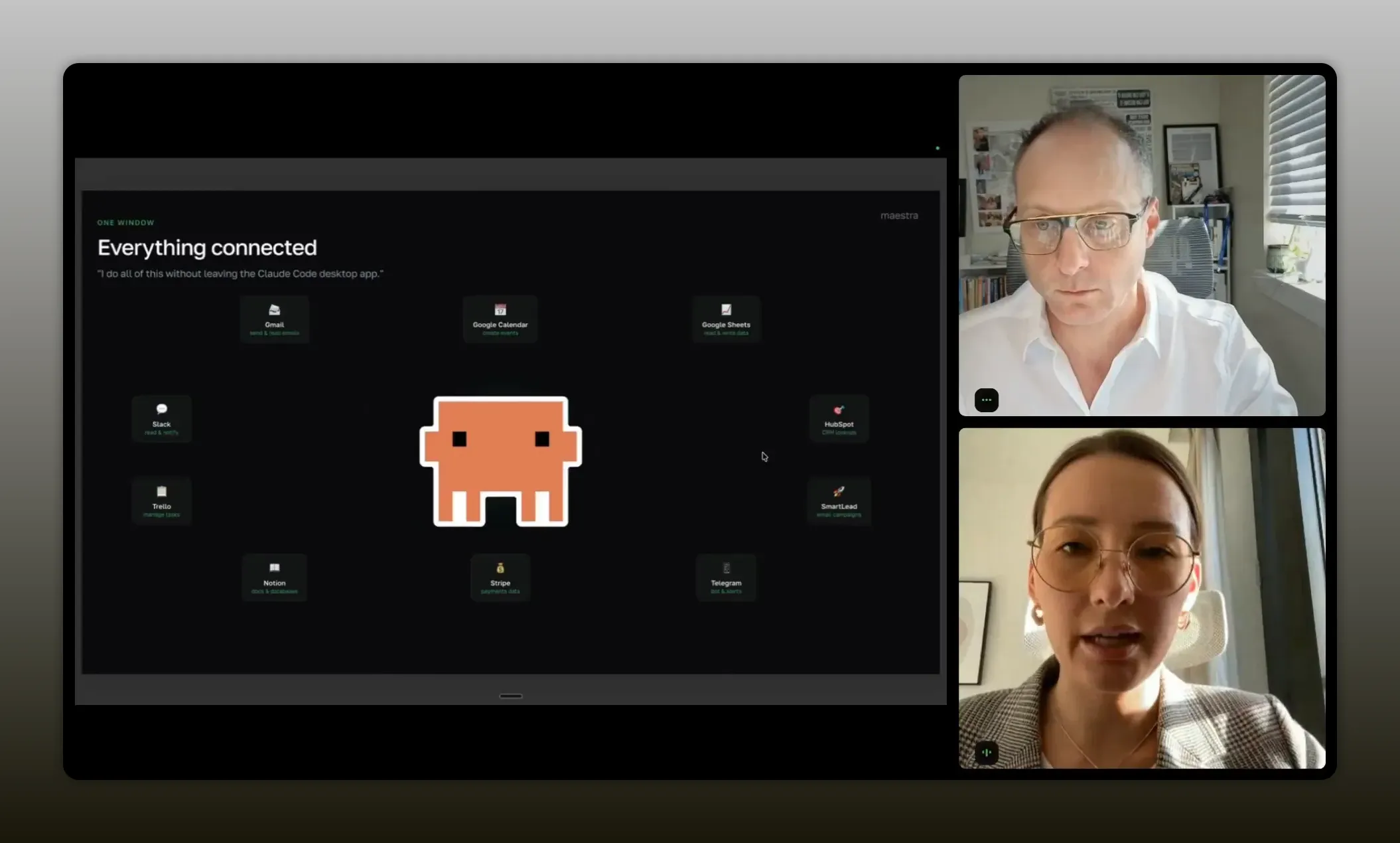
“Connection is the speed multiplier—once Claude Code is tied into the tools you already use (CRM, Sheets, calendar, Gmail), it stops being a conversation and becomes a reliable workflow partner.” -Anna Parfenova
Workflow 1: event preparation in minutes
Preparation is where most event teams get stuck. You have to research the event, pull agenda and speaker details, and create internal briefs that enable outreach.
Anna’s workflow turns this from a multi-hour scavenger hunt into a short, structured task.
She typically starts by using a short brief like:
- Use this conference link
- Create an Excel file
- Include agenda, speakers, and timeline preparation
- Save the file in a dedicated folder
Then her worker produces the file in the working area almost immediately.
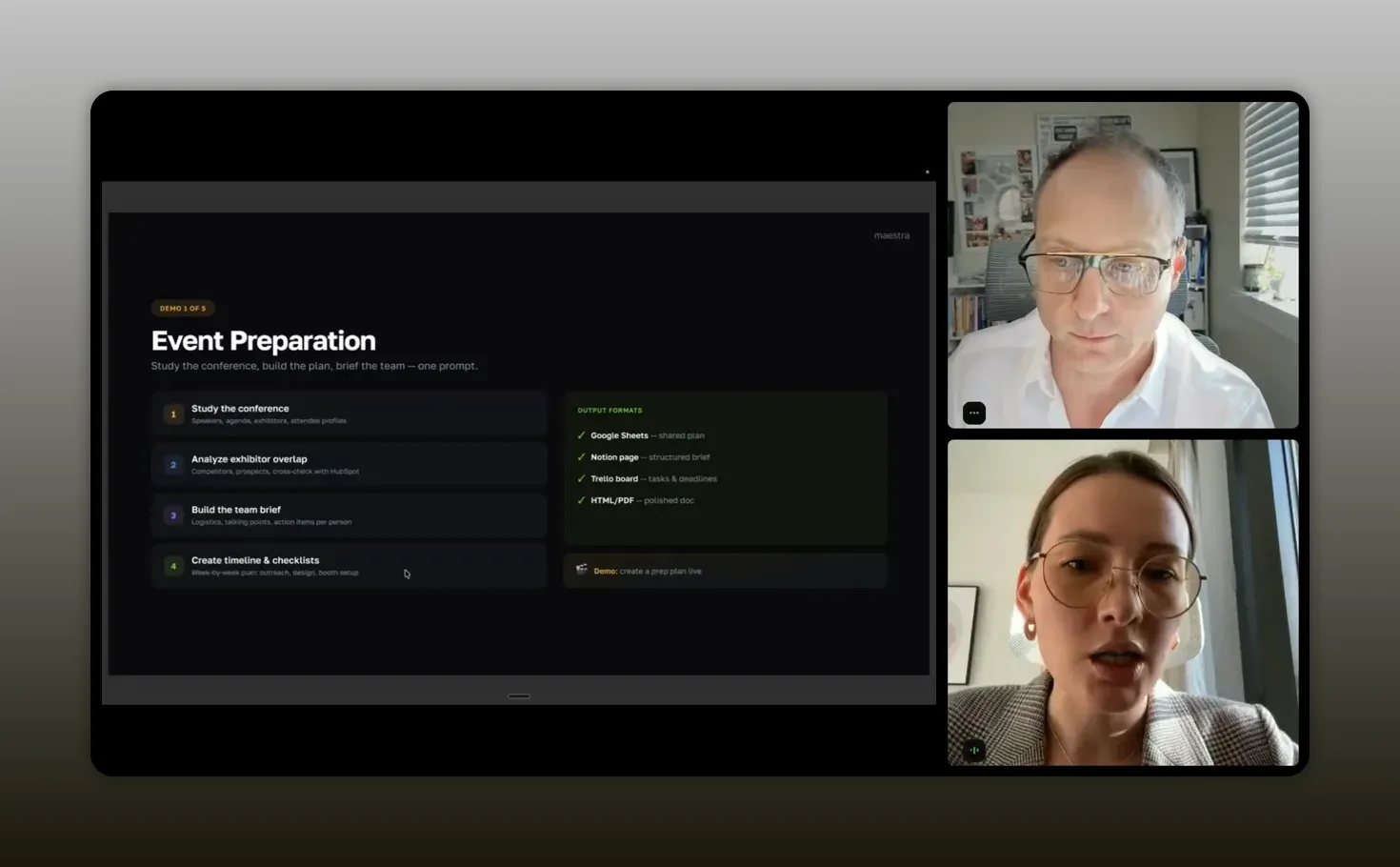
“You have to give bigger context… so it knows exactly how it works.” -Anna Parfenova
One detail she highlights: her brief in this example was intentionally short. If you want better outputs for your specific team, you give bigger context.
For instance, you might add:
- Which speaker types matter most
- How your team uses timeline preparation (what deadlines)
- How you want outreach messages customized
- Your internal naming conventions
Workflow 2: speaker and prospect discovery without copy-paste pain
Once you have the agenda, you still need speaker and prospect discovery. Anna described a painful old workflow: copy-pasting speaker names and titles to reach out on LinkedIn before the conference.
Her updated workflow uses a Chrome extension that can extract speaker details from a page. The result is a structured output that you can use immediately.
Why this matters
Pre-event outreach often determines whether you get meetings at all. If you wait until the day of the event to do the discovery work, you lose momentum.
Anna’s approach makes “pre-event identification” a small step inside her broader event prep system, not a separate time sink.
Don’t ignore sites without APIs
Anna notes a real constraint: some platforms like LinkedIn do not offer straightforward APIs. If you cannot connect directly, use tools that can bridge the gap. Her approach is pragmatic: use browser-based extraction and recordable actions where necessary.
This is one of those points that sounds obvious after you hear it. But it is easy to overlook when you are focused on “lead enrichment” and “email sequences.” Speeding up discovery improves everything downstream because you start earlier.
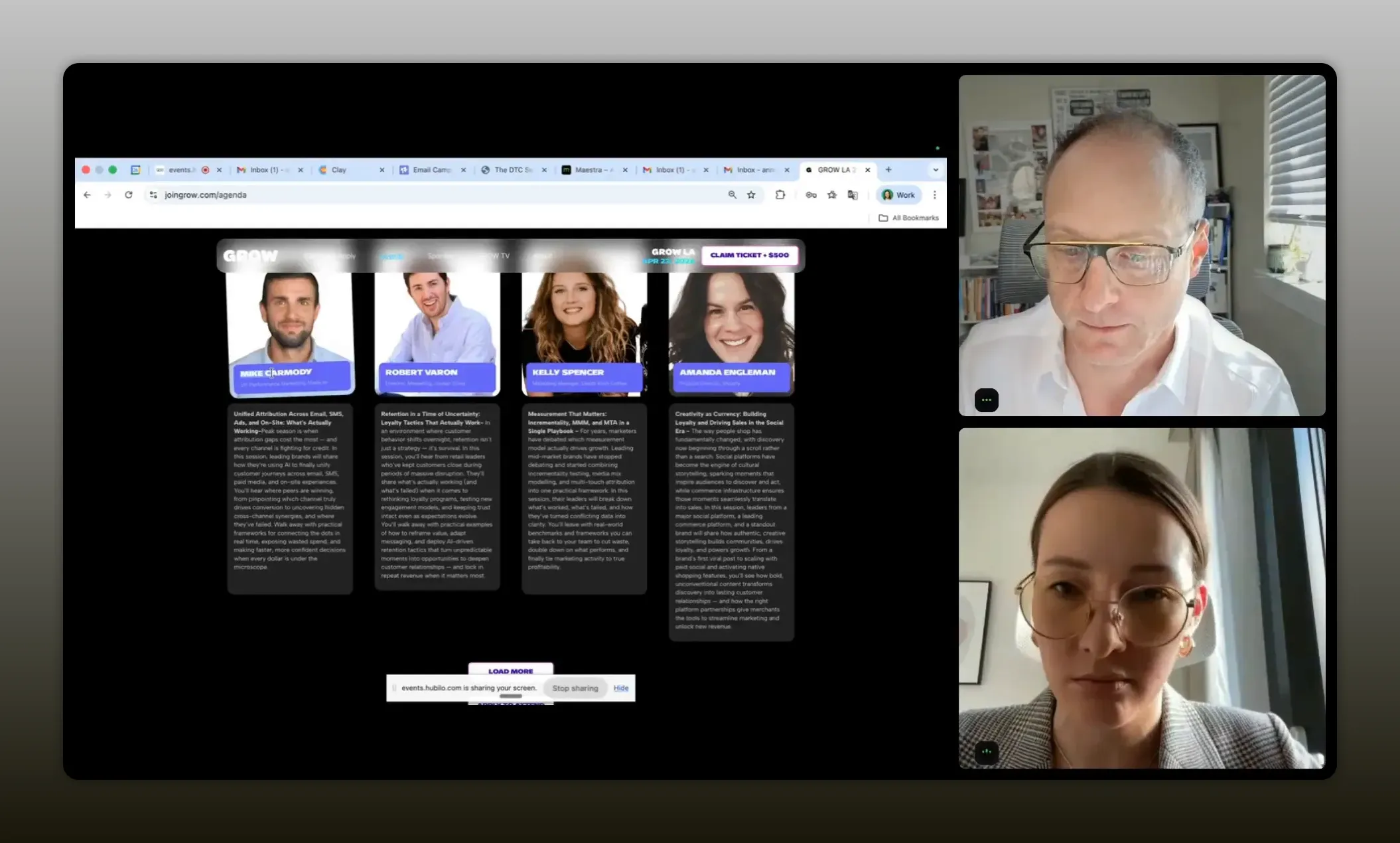
“When I’m doing speaker discovery, the biggest win is that I stop copy‑pasting names and titles—Claude Code pulls the details into a clean, structured list I can use immediately for outreach.” -Anna Parfenova
Workflow 3: lead qualification from PDFs to ICP-ready segments
This is the section where you feel the biggest time savings. Event attendee lists are often messy. Anna described attendee data coming as PDFs that are hard to use. Copy-pasting thousands of lines manually is not an option.
Her method works in stages.
Step 1: convert attendee lists into a workable format
She directs her worker to:
- Find the attendee list PDF in a specific qualification folder
- Convert it into CSV
- Use the CSV for further analysis
This alone eliminates the worst part of event data work.
Step 2: enrich and decide who matches your ICP
Anna’s stack includes HubSpot for CRM data and Clay for enrichment. Clay helps enrich records like emails, phones, and other details based on known fields such as name, company, and LinkedIn profile.
Then, using what is already in HubSpot, the worker decides whether each company or contact belongs to the ICP.
Anna’s output is a file that makes the decision obvious: should you talk to these people or not.
Step 3: segmentation for outreach
She usually creates about seven segments for outreach before the event. Examples she mentioned include:
- Current pipeline
- Current clients
- Potential ICP levels (different tiers)
- People who live in the city but are not attending
And she uses the worker to generate the segmentation rather than doing it manually.
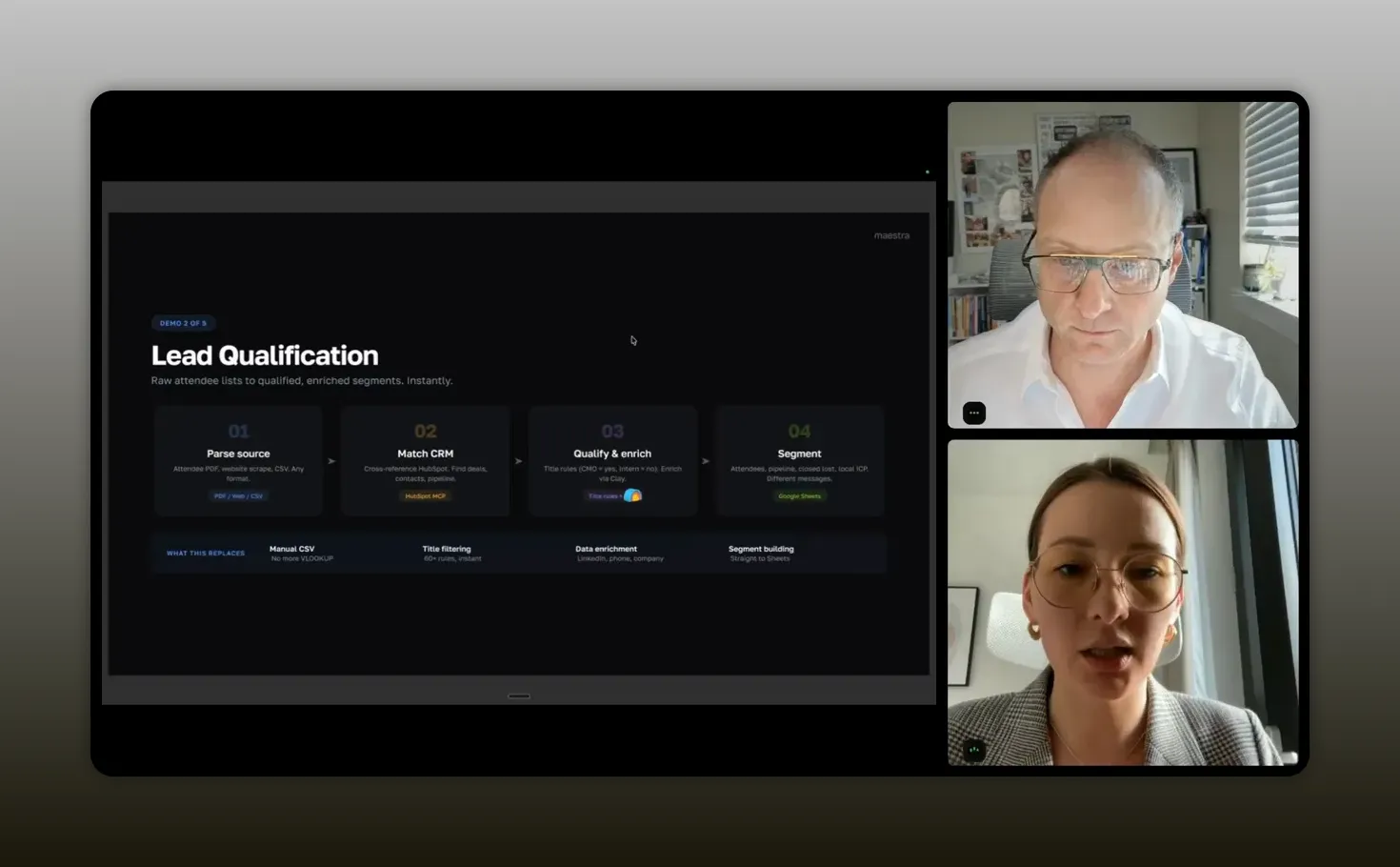
“Lead qualification gets dramatically easier when you treat it like a repeatable workflow” -Anna Parfenova
Here is the real takeaway: when you treat event lead qualification as a repeatable workflow, you stop treating each conference like a custom project.
That is how teams scale event output without burning out.
Workflow 4: campaigns and sequences that launch automatically
Once your qualified segments are ready, you still have to run outreach. Anna uses Smartlead and also mentioned Outreach. The pattern is similar across tools: upload contacts, create campaigns, generate emails, and monitor responses.
Her worker-based approach reduces “click work” and replaces it with “ask work.”
Example: create a campaign from qualified contacts
Anna described a flow where she creates a campaign (for example, “test”), and the worker:
- Creates the campaign in Smartlead
- Uploads contacts from her qualification stage
- Creates emails
- Launches the campaign automatically
She also highlights that you do not want to manually upload files each time. You want it automatic because you are running this before every event.
Reply monitoring and scheduled tasks
Anna recommends using scheduled tasks for monitoring replies. The idea is to stop checking inboxes and dashboards constantly.
Instead, she sets up an automation skill or set of actions that runs automatically. For example, she can send Slack updates with outreach replies or reports.
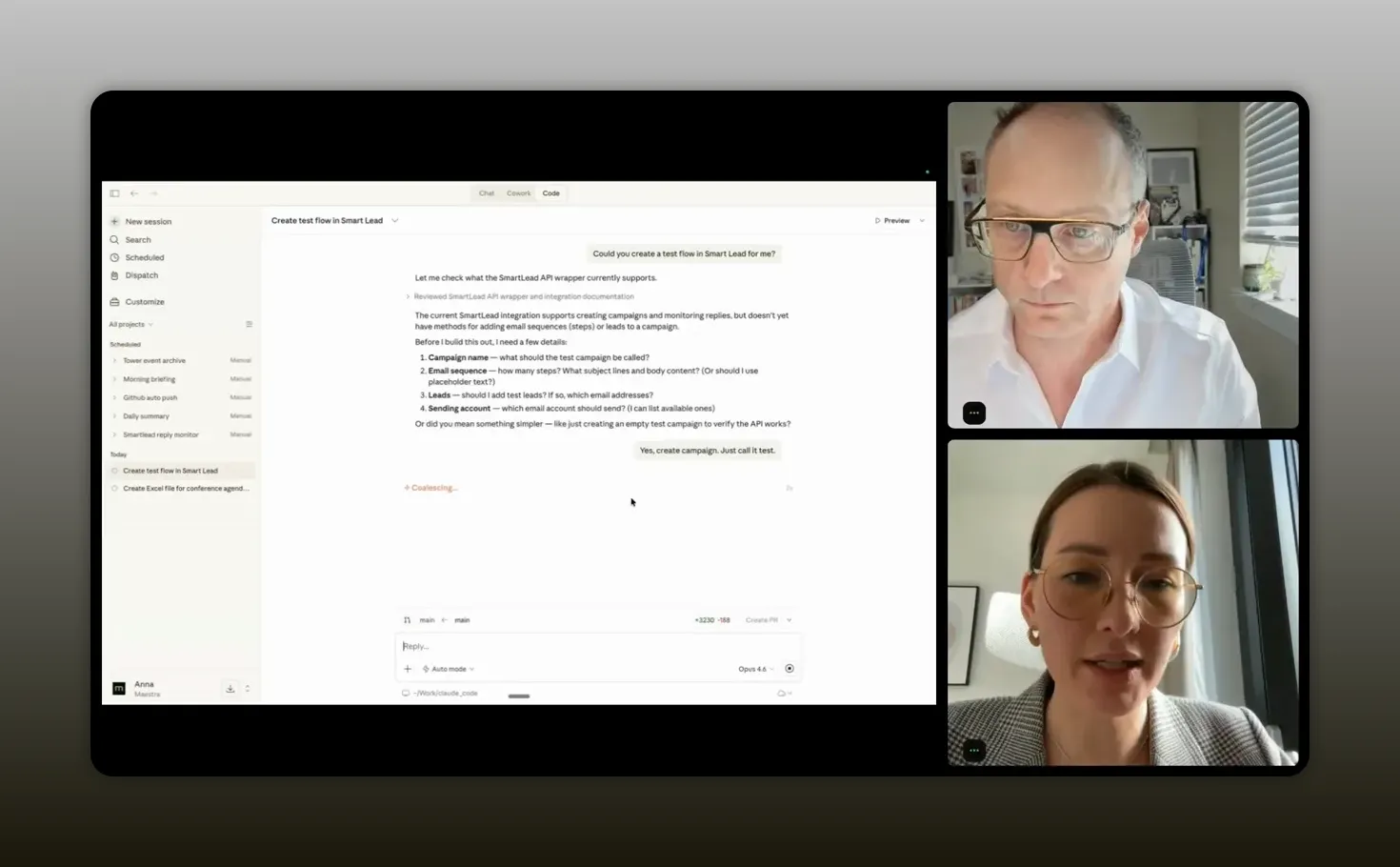
“I have a skill… I just repeat them.” -Anna Parfenova
That “repeat them” part is what makes the process scale. Your job becomes upgrading workflows, not redoing them.
Workflow 5: design, promotion, and analytics without waiting on agencies
Event marketing is not only outreach. Landing pages, email templates, and design assets are part of the funnel. Anna gave a strong example from her past: a conference for 5,000 people required around 100 different emails, and an agency estimate was about $3,000.
Her current approach is different: she can create HTML landing pages, letters, and designs based on her brand assets and templates, without waiting for external help.
Design assets: “teach the worker your brand system”
Anna created a design skill. She fed it:
- Fonts
- Colors
- HTML structure from her website
- Information from Figma designs
- PNG assets
Then she uses Figma MCP to generate and edit HTML in a way that matches her design workflow.
Build a webinar landing page in about an hour
She also described creating a webinar landing page in about one hour, integrating the HubSpot platform, and being able to change information quickly.
Most importantly, it changes the operational dependency. You do not need a designer or agency deployment for every event update.
Analytics: fewer hours, faster decisions
Anna also connected analytics to the same automation mentality. She previously spent about three hours every Monday analyzing the pipeline. With her automation, she said it now takes around five minutes.
That kind of speed matters because it increases how often you can learn and adjust.
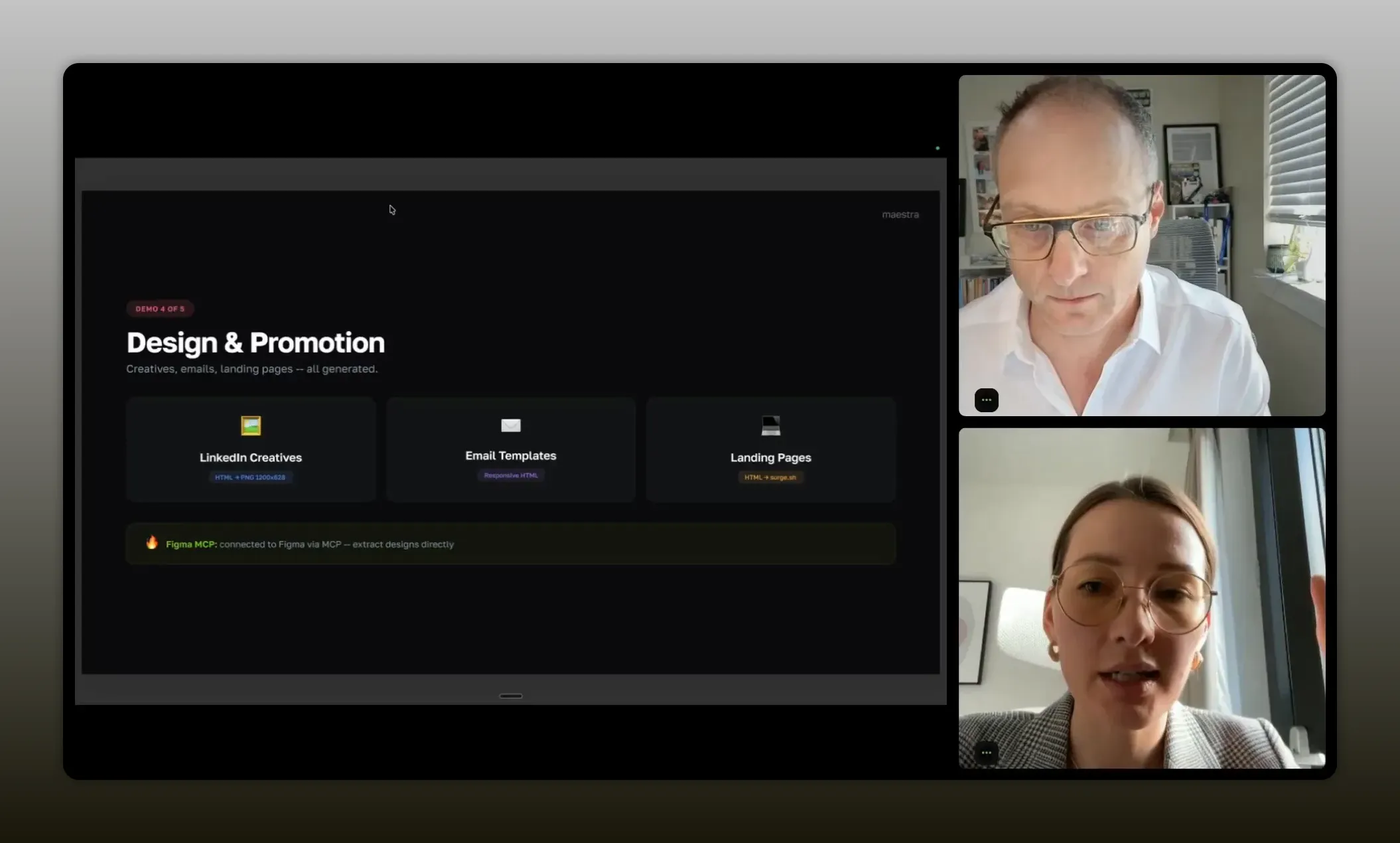
“If you teach the worker your brand + your exact promotion steps once, it can crank out landing pages, templates, and updates without waiting on anyone.” -Anna Parfenova
In event marketing, the “best time to iterate” is rarely after the next meeting booking. It is while you are still building momentum. Faster analytics makes that possible.
Recommended tech stack
Anna’s workflow spans multiple tools, but the unifying principle is that the worker is connected to them so it can execute tasks end-to-end.
- Claude Code as the execution worker
- MCP to connect Claude Code to tools and workflows
- Google Sheets for briefing and structured outputs
- Calendar for scheduling and event coordination
- HubSpot for CRM data and lead context
- Clay for data enrichment (email, phone, and other details)
- Smartlead for B2B outreach at scale
- Outreach (as mentioned) for outreach steps and automation patterns
- Figma MCP to generate and edit HTML based on design system
- Telegram as a way to connect and run workflows hands-free (including voice via supporting tools mentioned)
If you feel overwhelmed by tool names, use them as examples of categories. Your goal is to identify what your event workflow needs: briefing, data prep, enrichment, segmentation, campaign launch, and analytics. Then connect your worker to those capabilities.
FAQs
Is Claude Code just another chatbot?
No. Anna stresses that Claude Code is not just a chat assistant. It behaves more like a worker that can create files, run actions across connected tools, and complete tasks when you provide the right context and connections.
How do you make event prep faster without sacrificing quality?
You standardize the workflow. Use structured briefs, dedicated folders, and repeatable outputs like Excel sheets with agenda, speakers, and preparation timelines. Then refine context over time so the worker knows how your team works.
What should you do with attendee lists that come as PDFs?
Do not start with manual copy-paste. Anna’s approach is to have the worker find the PDF in your qualification folder, convert it to CSV, and then enrich and segment from there using your CRM data and enrichment tools.
Where does lead enrichment fit into the workflow?
After you convert attendee data into a usable format. Anna uses Clay alongside HubSpot to enrich fields like email and phone and to determine whether contacts match her ICP, producing a simple “talk or not” file and segment outputs.
Can you really automate outreach campaigns end-to-end?
You can automate the repeatable parts: creating campaigns, uploading qualified contacts, generating emails, launching sequences, and monitoring replies via scheduled tasks and integrations like Slack.
How do you handle design and landing pages without waiting on agencies?
Anna teaches the worker her brand system. She builds a design skill with fonts, colors, HTML structure, and Figma design inputs (via Figma MCP). Then she generates landing pages and updates them quickly.
Conclusion
Event marketing gets hard when you treat every conference like a fresh project. Anna’s approach is different: you build a worker-based system that turns research, qualification, outreach, and promotion into repeatable workflows.
The “3x faster” outcome does not come from vague prompt magic. It comes from four practical moves: treat AI as a worker, feed it context, connect it to your tools, and create repeatable skills for the steps you repeat every time.
If you do that, your biggest advantage becomes timing. You qualify leads earlier, launch outreach sooner, and iterate with analytics faster. That is where pipeline is won or lost.
Checkout How Anna Made Event Marketing 3x Faster With Claude Code Workflows and grab the free playbooks, no form-fill required, no opt-in required!
Grab the playbooks above to solve the “slow event execution” challenge and get faster pipeline-ready outputs!