90-Day Ecosystem GTM Plan: How Arrows.to and CallRail Stand Out
Expert advice from Jesse Cunningham, Daniel Zarick and Jen Keepes.
Introduction
You are sitting on a major inbound partner-sourced growth channel, if your product integrates with a widely adopted platform. The opportunity is simple and enormous: reach high-intent buyers inside an ecosystem, lower customer acquisition costs, and unlock exponential value by positioning your app as “better together” with that platform.
What’s at stake is adoption. Building a reliable integration is only the first step. Without a deliberate marketing and enablement playbook, installs stall, partners and customer-facing teams ignore you, and competitors with better positioning win the deal—even if your product is technically superior.
If you build it, they will not all just come. — Jesse Cunningham
Table of Contents
- Why integrations are a huge revenue opportunity
- Understand the HubSpot customer mindset
- Use-case content that drives installs
- Case studies and internal enablement for sales and CSMs
- Marketplace and operational tactics
- How Arrows.to drove installs by focusing on the signup flow and integration as core product
- How CallRail scaled through data-driven targeting and continuous product updates
- Building integration depth as strategic product surface area
- Content that gets shared in Slack and community channels
- Reviews, ratings and collections: why they matter and how to get them
- Academy, community, events and paid co-marketing
- Measuring adoption and identifying expansion opportunities
- Common mistakes to avoid
- Implementation checklist and 90-day growth plan
- FAQs
- Conclusion
Why integrations are a huge revenue opportunity
Integrations give you instant access to a built-in audience that already values connected systems. With platforms that have hundreds of thousands of paying customers and millions of active users, the marketplace becomes a lower-cost channel for acquiring higher-intent buyers.
Think beyond raw traffic. Integration customers often have budgets earmarked for tools that enhance their platform experience. When you position your product as amplifying the platform’s capabilities, you convert faster and win larger deals. That is the promise of the “better together” story: one plus one equals three.
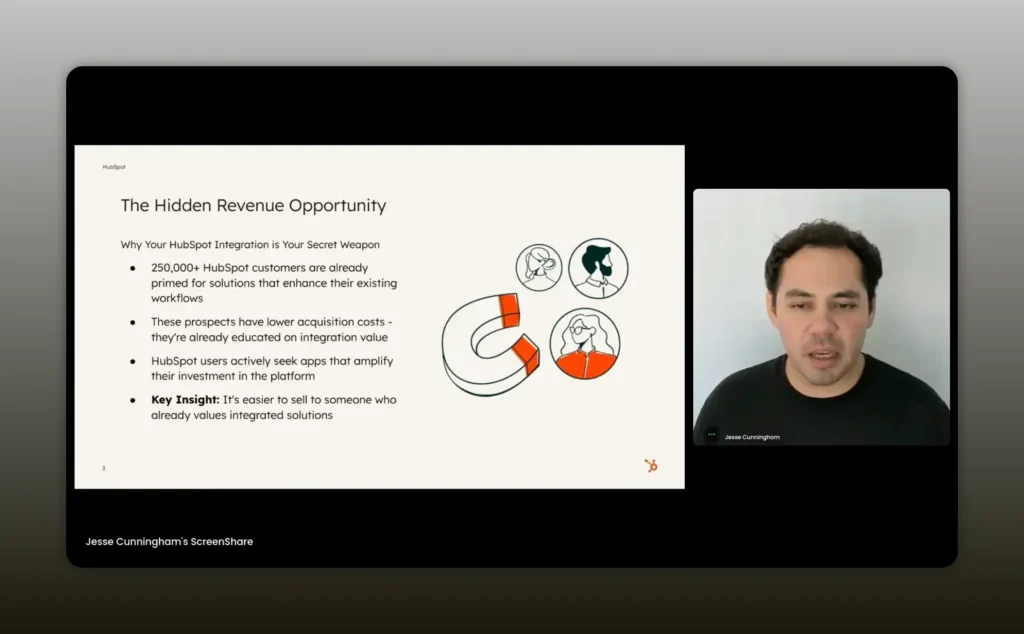
HubSpot’s 250,000 plus paying customers understand they want integrated solutions with HubSpot. — Jesse Cunningham
Understand the HubSpot customer mindset
Customers are sophisticated about integrations. Many teams use nine or more integrations on average. That familiarity with automation, data flows and workflows means the buyer knows what to expect when an integration claims to “push data to contacts” or “populate custom objects.”
Because of this, you can be specific in your marketing. Speak directly to the HubSpot experience: what fields you populate, which objects you touch, how timeline events look, and how workflows can be triggered. Avoid generic product feature lists. Instead, build messaging that answers the buyer’s immediate question: how will this integration reduce manual work and improve outcomes inside HubSpot?
Use-case content that drives installs
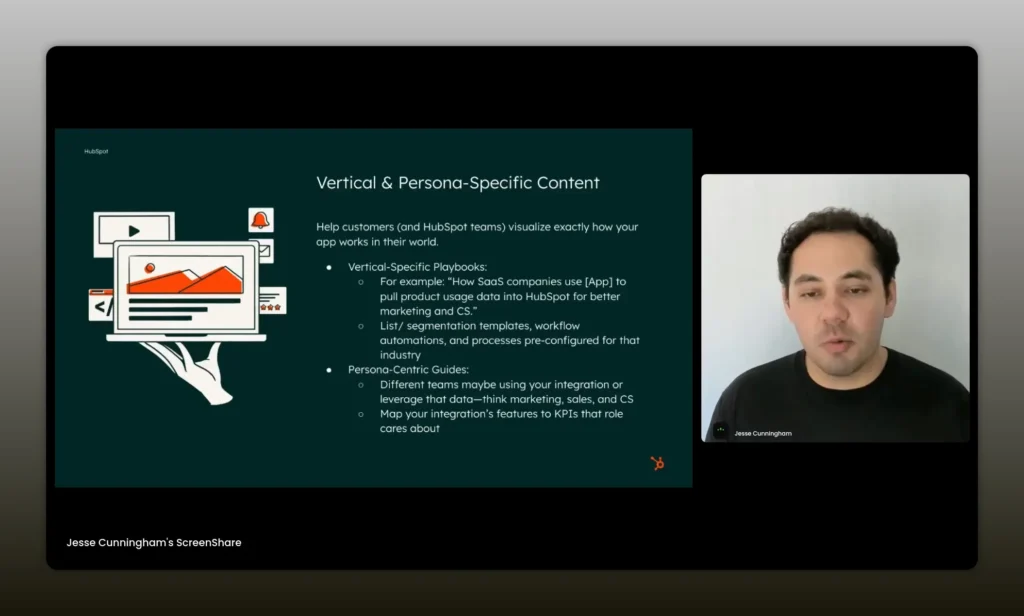
Use-case focused content is the single most effective tactic to convert marketplace visitors into installs. Customers and HubSpot-facing teams want to know how to set up the integration, which workflows to create, and the exact steps to realize value.
Create content that includes:
- Step-by-step guides for common workflows
- Pre-built lists and filters to use right away
- Templates for automation that launch on install
- Short demo videos showing the integration in the platform
- Clear mapping of which HubSpot hubs and objects you connect to
Use-case content helps discovery and shortens the time-to-value on the first install. It also enables HubSpot sales reps and customer success managers to recommend your app confidently because they can find answers fast.
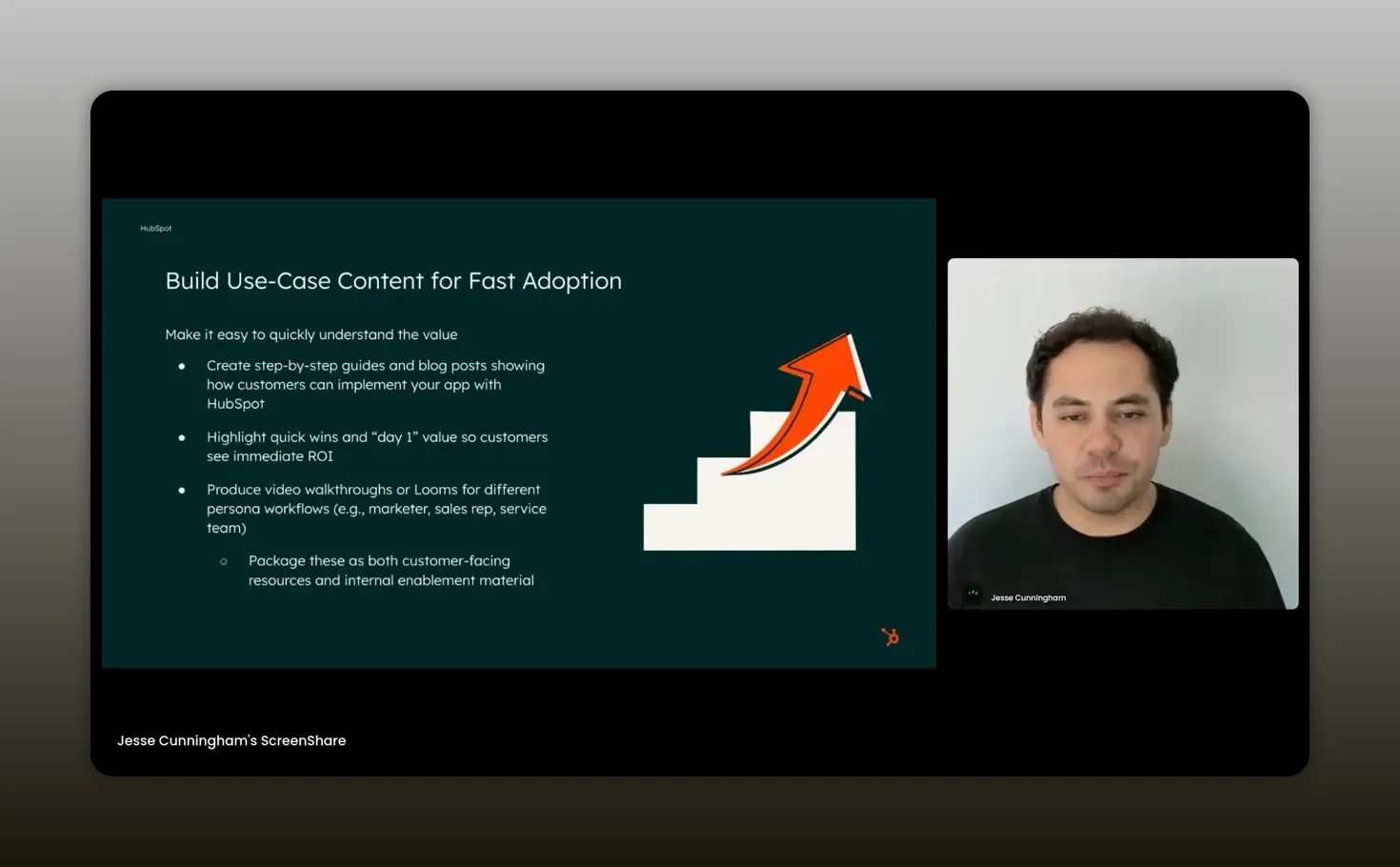
If you don’t have the use case content, you’re leaving so much on the table. — Jesse Cunningham
Case studies and internal enablement for sales and CSMs
Create two flavors of success stories. One targets external buyers and shows how a customer achieved measurable outcomes using the integration. The other targets internal teams—sales reps, account executives and customer success managers—and illustrates co-sell wins and recommended use cases for their conversations.
For internal enablement, focus on:
- One-pagers that explain where your product sits in the platform
- Quick pitch scripts for sales with results and ROI bullets
- Use-case playbooks that map to HubSpot hubs (Sales, Service, Marketing)
- Recorded demos that AEs and CSMs can share in minutes
These resources make you recommendable. If a rep or CSM can’t find content to bring themselves or a customer up to speed, they won’t risk suggesting your app.
Marketplace and operational tactics
Your marketplace listing is prime real estate. It’s not enough to have a listing; it must be optimized and consistently updated.
- Include a crisp headline focused on the integration benefit and the ROI.
- Use a short demo video that showcases the integration in the platform, not just your product dashboard.
- Keep screenshots current and aligned with the marketplace audience.
- Encourage reviews and follow up with customers to get 4- and 5-star testimonials.
- Monitor install metrics, page views and who is landing on your marketplace URL; leverage those signals to drive targeted outreach.
Work with the platform team wherever possible. New features like app cards, timeline events or extensible objects are ways the platform will surface partners who invest in integration depth.
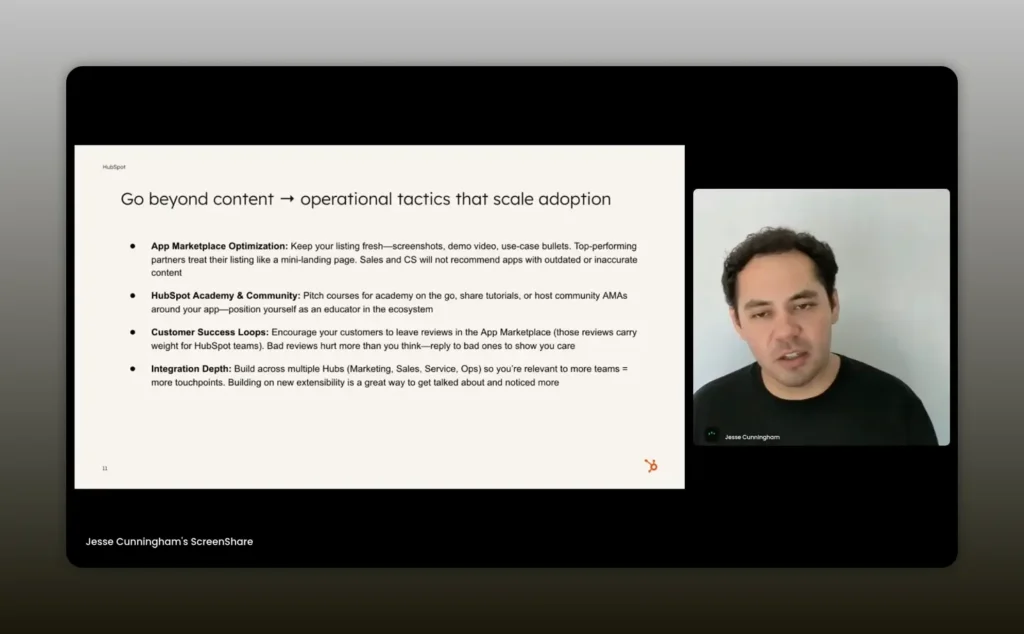
Your app marketplace listing page is going to be a very significant piece of that. — Jesse Cunningham
How Arrows drove installs by focusing on the signup flow and integration as core product
Daniel shared a playbook that is repeatable for many small teams. Arrows.to made the CRM integration a first-class citizen by enabling OAuth installs at signup and building the integration into the product experience from day one.
Key takeaways from Arrows:
- Make it trivial to install: allow users to connect the platform during onboarding rather than burying the integration behind enterprise settings.
- Surface integration value immediately: show CRM-linked features in the product demo so buyers understand the combined experience.
- Use tiered gating: offer core integration features at all pricing tiers but unlock advanced capabilities for higher tiers to drive expansion.
- Map your product positioning to the platform hubs: Arrows positioned itself between Sales Hub and Service Hub so both AEs and CSMs could see where Arrows fit in their playbooks.
Installs feed the marketplace algorithm and create opportunities for reviews, internal mentions and discovery. Arrows treated the integration as a growth lever, not a checkbox.
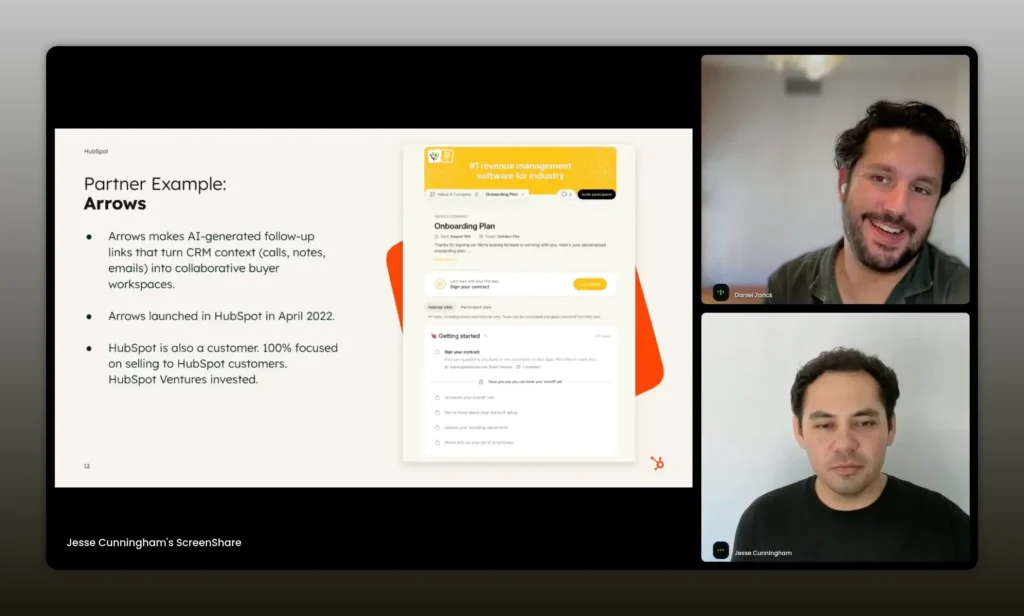
We made the CRM integration a core part of the product. — Daniel Zarick
How CallRail scaled through data-driven targeting and continuous product updates
Jen explained that doing the integration work well is essential, but continuous investment is what drives long-term adoption. CallRail treats the integration as a living product that evolves with the market and new platform features.
CallRail’s tactics you can apply:
- Leverage usage data to identify accounts that are not fully leveraging the integration and run re-engagement campaigns.
- Create hyper-personalized outreach using segmented lists and in-app messages to the exact audience that will benefit most.
- Produce data-backed case studies that demonstrate the combined impact of CallRail plus HubSpot on conversion and attribution.
- Use marketplace meta data (for example, who visits your listing) to inform account-based marketing plays.
- Keep innovating: add new features like voice assist or AI-driven capabilities and communicate them via joint content with the platform.
CallRail’s emphasis on data and consistent product updates explains why the integration “sells itself” for many customers: it reliably fills a missing part of the HubSpot workflow.
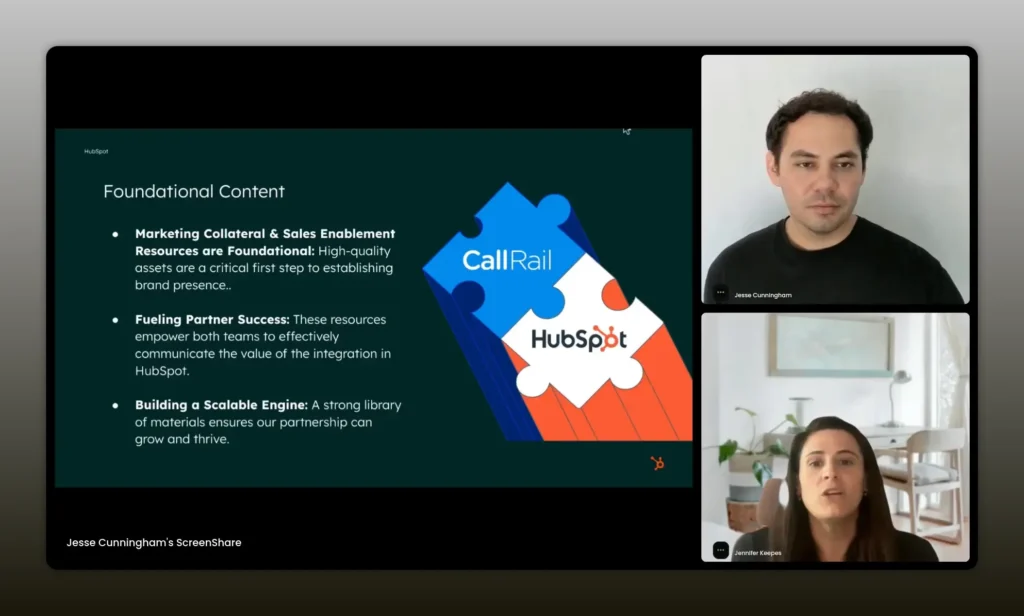
The integration kind of sells itself because it’s solving those problems for customers. — Jen Keepes
Building integration depth as strategic product surface area
Integration depth matters. It’s not just about syncing contacts. Think about every strategic surface where your app can live inside the platform’s workflow: timeline events, custom objects, app cards, projects and more. Each surface area is an opportunity to embed your value into the daily flow of the user.
Questions to use as a product roadmap filter:
- Which objects will make my app indispensable inside the platform?
- Which timeline events or cards will provide the most contextual value to users?
- How can my app reduce friction in the user’s core workflows?
- What capabilities can I gate to drive monetization without blocking basic value?
When you map integration surface area to real-world workflows—sales handoffs, onboarding, renewals—you create product features that help multiple stakeholders hit their goals. That makes your app easier to recommend.
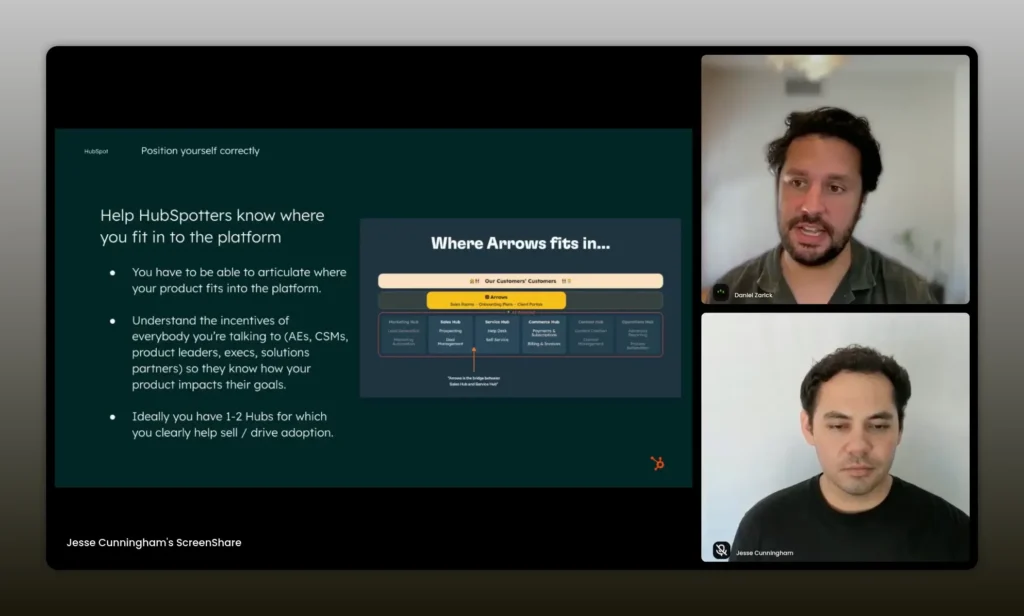
Approach APIs and platform capabilities as strategic surface areas for your app to integrate into the platform. — Daniel Zarick
Content that gets shared in Slack and community channels
One of the most underrated growth strategies is creating content that other partners and platform employees want to share. Daniel’s approach was to produce tactical, bite-sized resources that solve specific questions inside HubSpot—how to use the projects object for onboarding, how to build renewal pipelines, how to report on adoption.
Why shares matter:
- Slack and internal channels connect you to decision makers and AEs who can influence purchasing decisions.
- Shared content acts like lightweight enablement: it helps internal teams feel confident recommending you.
- It produces organic reach inside an ecosystem where trust and firsthand recommendations matter.
Invest in searchable content (YouTube videos, deep-dive guides, community posts) and format it so a rep can drop the link into a Slack thread and move on.
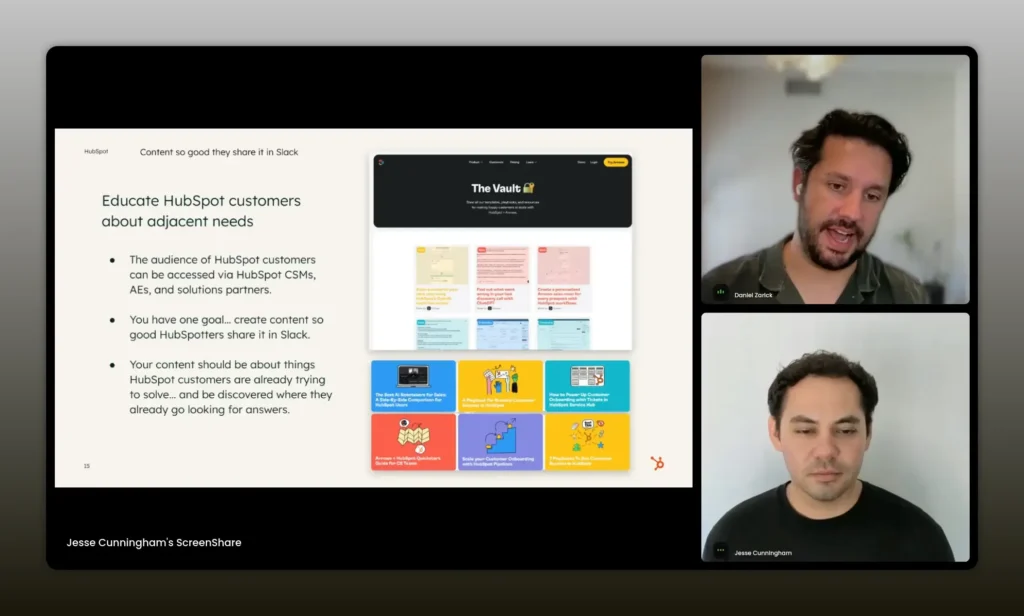
Create content so good that HubSpotters share it in Slack. — Daniel Zarick
Reviews, ratings and collections: why they matter and how to get them
Marketplace reviews are social proof for both customers and internal teams. A five-star listing increases the likelihood that AEs and CSMs will recommend you. A poor rating drives them to competitors even if your product is better.
Best practices for reviews and ratings:
- Ask for reviews right after a success milestone, not at first install.
- Make the review process frictionless: provide a direct link, suggested phrasing and examples of the value customers received.
- Respond to reviews quickly. Thank good reviewers and address concerns in public to show you care.
- Track rating trends and correlate them to product changes or onboarding experiences.
- Work to be included in the platform’s curated collections by investing in integration depth and customer success stories.
Academy, community, events and paid co-marketing
Platforms often have educational channels—academy content, community forums and events—that are underused by partners. If you create a video or course that shows how to unlock better outcomes using your integration, you gain credibility and reach without a heavy paid spend.
Where to show up and what to pitch:
- HubSpot Academy-style modules that demonstrate combined workflows
- Community posts that answer forum questions and link to your guides
- Webinars with platform teams showcasing real customers and demos inside the platform
- Co-marketing at events and industry conferences to show joint value
These channels also help you get in front of power users who will evangelize your product if it helps them do their job better.
Measuring adoption and identifying expansion opportunities
Install count is necessary but insufficient. Track how customers use the integration and where they get value. Look for signals that indicate expansion opportunities.
Core metrics to monitor:
- Installs over time and install sources (marketplace, signup, referral)
- Activation rate: percentage of installs that complete a key setup flow
- Time-to-first-value: how long does it take an install to trigger the first meaningful event?
- Feature adoption: which integration capabilities are being used most?
- Churn correlation: do accounts using the integration churn less?
- Expansion signals: accounts hitting usage thresholds that predict upsell
Use platform event streaming, logs and analytics to feed a dashboard that identifies at-risk or high-potential accounts. Proactive outreach to those accounts converts usage into revenue.
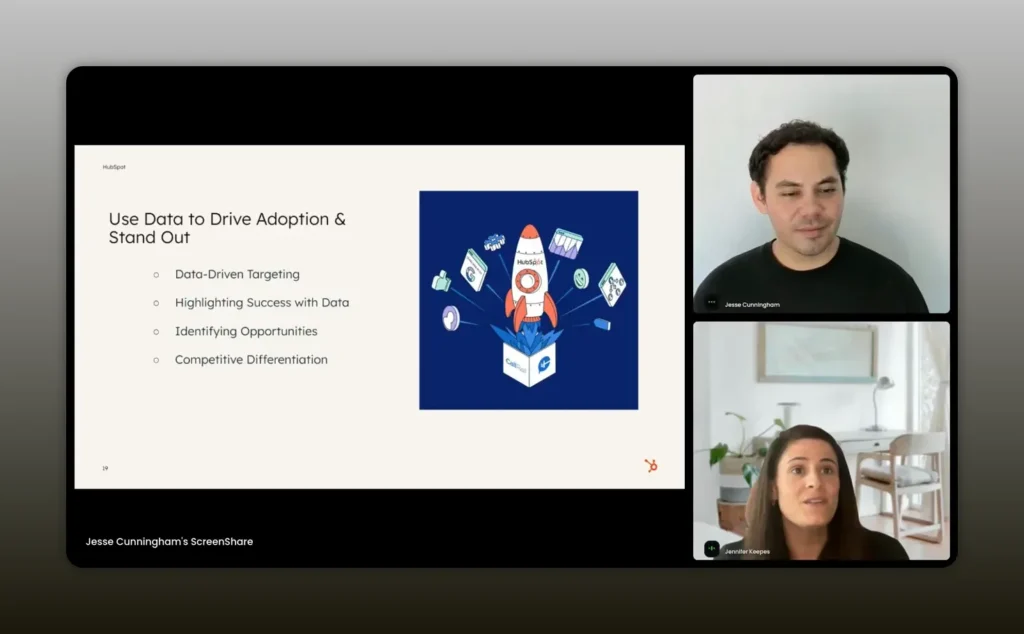
We’re analyzing our usage and engagement to proactively identify accounts that are not fully leveraging the integration. — Jen Keepes
Common mistakes to avoid
Many partners fall into the same traps. Avoid these pitfalls:
- Announcing an integration but not producing actionable setup content.
- Leaving the marketplace listing stale with outdated screenshots and video.
- Assuming AEs and CSMs will discover you without enablement and one-pagers.
- Building superficial integrations that only pull a few fields instead of embedding into workflows.
- Collecting installs but failing to track activation and time-to-value.
- Asking for reviews too early or not following up with satisfied customers.
Implementation checklist and 90-day growth plan
Use this prioritized plan to turn an integration into a growth engine.
- Week 0-2: Audit your marketplace listing and install flow. Add OAuth install at signup if possible and make the integration visible in onboarding.
- Week 2-4: Produce 3 use-case guides and one 2-minute demo showing the integration inside the platform. Publish on your site and on community channels.
- Week 4-6: Build internal enablement: one-pager, sales pitch script, two recorded demos for AEs and CSMs.
- Week 6-8: Launch a targeted campaign to accounts that have visited your marketplace page and to customers with matching profiles who don’t yet use the integration.
- Week 8-10: Collect customer evidence. Run interviews, build 2 case studies, and ask satisfied users for marketplace reviews.
- Week 10-12: Apply to contribute to the platform’s academy or community content. Host a co-branded webinar with a platform team member or solutions partner.
- Ongoing: Monitor activation, time-to-first-value and feature adoption. Iterate content and product priorities based on usage data.
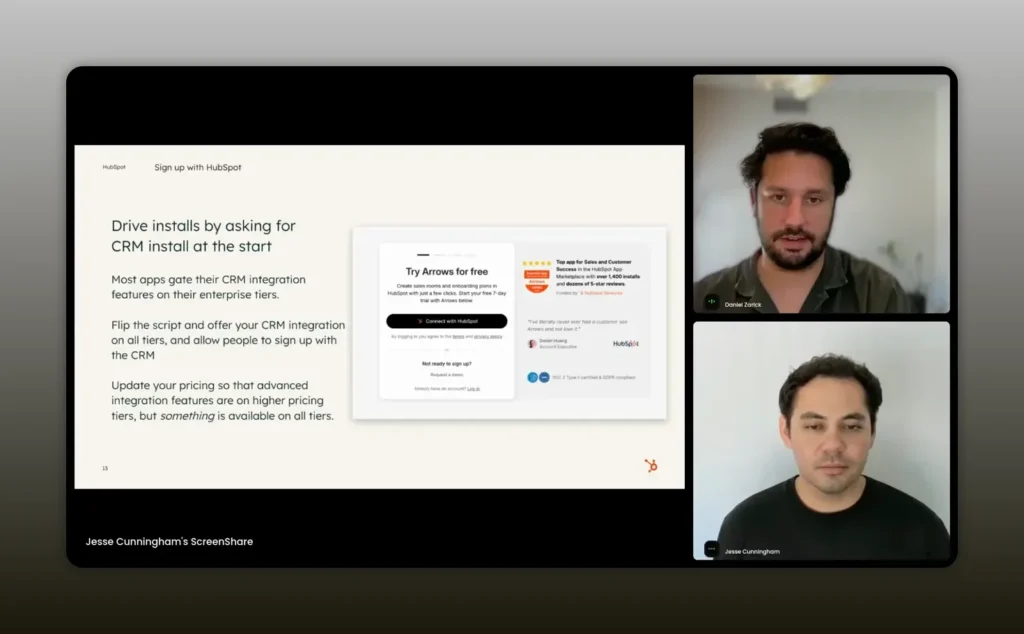
Installs gives you more people to write reviews, gives you some data exposure inside HubSpot where they track who’s getting installs. — Daniel Zarick
FAQs
How do I prioritize which integration capabilities to build first?
Start with the workflows that create immediate time savings for your shared users. Identify the objects and actions users interact with daily and build the mappings and events that automate those tasks. Prioritize capabilities that enable a clean demo inside the platform and reduce manual steps for the customer.
What’s the simplest content that drives the most installs?
Short, step-by-step use-case guides paired with a 1-2 minute demo video showing the integration inside the platform perform best. Make sure the guide includes setup steps, the exact filters or lists to create, and a sample workflow to trigger value.
How should I get internal platform teams to recommend my app?
Provide enablement that makes it easy for AEs and CSMs to recommend you: one-page playbooks, use-case scripts, recorded demos and case studies that map directly to the metrics those teams care about (expansion, adoption, retention). Make content shareable and short so they can drop it into Slack or email.
When should I ask customers for marketplace reviews?
Ask after a successful milestone—after the customer sees measurable impact from the integration, not immediately after install. Provide a direct link, suggest phrasing and remind them of the value they received to improve conversion.
What metrics should I track to know if the integration is succeeding?
Track installs, activation rate, time-to-first-value, feature adoption, retention differences for users with the integration versus without, and signals for expansion. Also monitor marketplace listing views and referral sources.
How do I use marketplace URL visitor data for targeted outreach?
Combine visitor URL signals with firmographic data to create segmented lists. Run personalized campaigns that reference the pages they viewed and the business problems those pages solve. Use in-app messaging and email to reach the same accounts for a multi-touch approach.
Conclusion
Integrations are not passive assets. They are growth engines when treated as core product features, continuously marketed, and supported with enablement and data-driven outreach. Focus on use-case content, integration depth, internal enablement and product-first activation flows. Track the right metrics and keep iterating on both product and content. Do these things and your integration will move from “nice-to-have” to a strategic must-have in the ecosystem.